Home>Training & Techniques>How Runners Can Download Training Videos for Offline Viewing
Training & Techniques
How Runners Can Download Training Videos for Offline Viewing
Published: September 21, 2026
Travelling to a race? Learn how runners can save cadence drills and technique tutorials from YouTube and Vimeo for offline viewing anywhere.
(Many of the links in this article redirect to a specific reviewed product. Your purchase of these products through affiliate links helps to generate commission for Therunningadvisor.com, at no extra cost. Learn more)
Table of Contents
- Why Technique Tutorials Matter So Much Right Now
- The Wi-Fi Reality of Race Travel
- How to Pull YouTube Videos to Your Device
- What About Vimeo
- Building Your Pre-Race Video Pack
- Understanding Platform Rules Before You Download
- What to Watch the Night Before a Race
- Your Offline Training Library, Wherever the Race Takes You
You found the perfect cadence drill video. Your coach posted a hill running breakdown that finally made something click. You saved the link, packed your bag, and flew to race week, only to discover that the hotel gym Wi-Fi crawls at 2Mbps and the expo hall barely loads a webpage. That tutorial you needed to review the night before your race? Buffering. This is a real, frustrating problem for runners who train seriously, and it has a straightforward solution: download your videos before you leave home.
What You Need to Know:
1. Runners who study technique tutorials can save those videos for offline playback before travelling to races or training camps.
2. A dedicated YouTube downloader makes it simple to pull cadence drills and stride correction videos directly to your device.
3. Coaches who host their form clinics on Vimeo are covered too, with a separate Vimeo downloader built for exactly that platform.
Why Technique Tutorials Matter So Much Right Now
Running form used to be something coaches corrected in person, on the track, with a clipboard. That model still works, but it has been supplemented by a massive library of online video. Cadence drills, hip drop corrections, arm swing mechanics, foot strike analysis, heel-to-toe transition coaching — all of it is now available in high-quality video from coaches all over the world.
The problem is that these resources are built around streaming. As streaming media platforms have grown, so has their reliance on consistent, high-speed internet connections to deliver video content. That assumption breaks down the moment you step off the plane at a destination race.
Race week is precisely when runners want to review their form cues. You are tapering, your legs are fresh, and your brain is running through race-day scenarios. That is exactly when you want to pull up a video of your coach breaking down hill running mechanics, not scroll through a loading screen.
The Wi-Fi Reality of Race Travel
Hotel gym Wi-Fi is notoriously unreliable. It is shared across every guest on every floor. During race week at a popular event, every other runner in the building is trying to do the same thing you are, streaming warm-up routines, watching race-course previews, loading course maps. The network buckles under that load.
Expo halls are worse. Thousands of runners packed into a convention centre, nearly all of them on their phones, means mobile data slows to a crawl too. If you planned to use your phone’s data connection as a backup, race weekend is the worst possible time to test that plan.
Training camps present the same issue. Rural venues, mountain lodges, and beach retreat centres often have satellite or DSL connections that simply cannot handle HD video streaming.
The answer is not to hope for better Wi-Fi. The answer is to have the videos already on your device.
How to Pull YouTube Videos to Your Device
The process is simpler than most runners expect. You do not need to be technical, and you do not need expensive software.
Start by collecting the YouTube links for every tutorial you want to study during race week. This might include:
- Your cadence drill series (aim for 170-180 steps per minute breakdowns)
- A hill running mechanics walkthrough covering forward lean and shortened stride
- Stride correction videos that address your specific gait issue, whether that is overstriding, arm crossing, or low hip height
- Warm-up and cool-down routines you follow before and after workouts
- Race-course preview footage if your event has released any
Once you have your list, a browser-based tool handles the actual download. Paste each URL, choose your preferred video quality, and save the file to your phone or laptop. For anyone who has not done this before, a reliable YouTube downloader walks you through the process without requiring any app installation or account creation.
Save everything into a clearly labelled folder before you leave home. Name files by drill type so you can find them fast. “Cadence-180-drill.mp4” is much easier to locate at 9pm in a hotel room than a file called “download-1.mp4.”
What About Vimeo
YouTube holds the largest share of free running content, but Vimeo is where many professional coaches and biomechanics specialists host their paid clinics and form analysis videos. The platform tends to attract higher production quality and more technical depth.
Coaches who run subscription form clinics, offer gait analysis walkthroughs, or sell structured training programs often choose Vimeo because it gives them tighter control over distribution and a cleaner player experience. If your coach, sports physio, or running club posts their video library there, you are likely already familiar with the platform.
The download process works the same way. Grab the Vimeo URL from your browser, use a tool built specifically for that platform, and save the file locally. A dedicated Vimeo downloader handles the platform’s specific encoding and delivery format without any friction on your end.
The key is doing this before you travel. Vimeo in particular can throttle streams based on geographic location and account status, so downloading from home ensures you always have access regardless of where you are watching.
Building Your Pre-Race Video Pack
Think of this the same way you think about packing your race kit. You would not leave nutrition to chance at the venue. You should not leave your technique review materials to chance either.
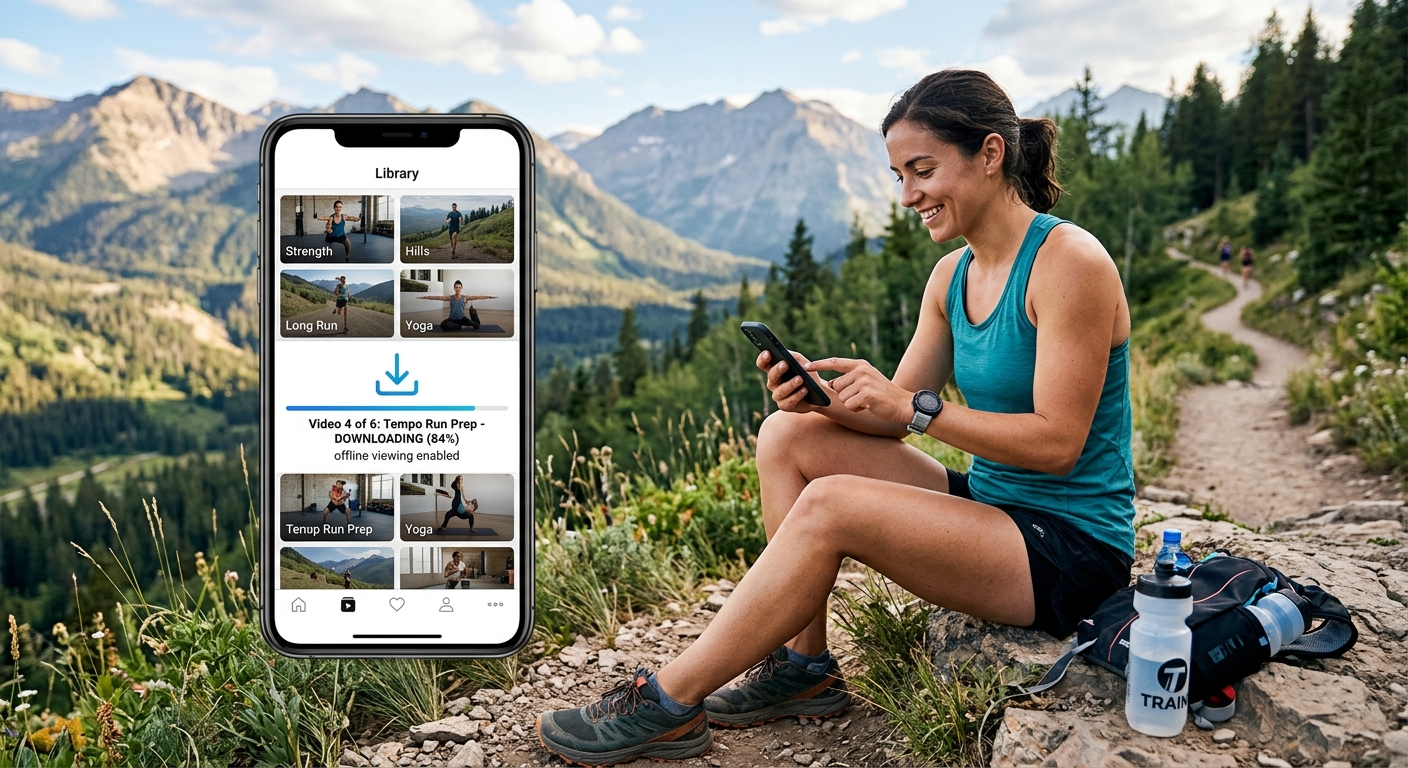
A good pre-race video pack might cover five to seven clips totalling less than a gigabyte of storage. Modern phones have plenty of room for that alongside your photos, podcasts, and maps. Spend thirty minutes the week before you travel identifying, downloading, and organising your clips. Then they are ready whenever you need them, whether that is on the flight, in the hotel room, at the expo, or during a quiet moment at packet pickup.
Some runners also keep a permanent offline library of their most-reviewed technique cues. If you know you tend to overstride when fatigued, having a stride length correction video permanently saved on your phone means you can review it any time you feel your form slipping, not just at races.
Understanding Platform Rules Before You Download
It is worth knowing that streaming platforms operate under licensing agreements that govern how content is distributed. According to research on running biomechanics, consistent technique review has a measurable effect on injury prevention and performance, which is exactly why so many runners rely on these tutorials. The point is not to circumvent anything, it is to ensure legitimate access to content you have a right to watch, in circumstances where streaming simply does not work.
Downloading for personal, offline viewing of content you are entitled to watch is a practical workaround for infrastructure limitations, not a workaround for access restrictions. If you have a YouTube account, a Vimeo subscription, or a coach who has shared video links with you, saving those videos for offline use during travel is a reasonable extension of the access you already have.
What to Watch the Night Before a Race
There is an art to how you use your offline video library on race eve. Do not try to overhaul your technique the night before. That ship has sailed. Instead, use your videos as a mental rehearsal tool.
Watch your hill running mechanics clip with the focus of reminding yourself of cues you already know. Short steps, drive the knee, forward lean from the ankles. Watch your cadence drill to anchor the rhythm in your head. If you have a specific form correction you have been working on, a thirty-second clip is enough to lock the feeling back in.
Keep the viewing session short. Twenty minutes maximum. You want to finish feeling confident and reminded, not anxious and overthinking.
Your Offline Training Library, Wherever the Race Takes You
Downloading your training videos is not a complicated workaround. It is just good planning, the same kind of planning that goes into your travel logistics, your gear check, and your nutrition timing. Runners who train with intention deserve access to their technique resources regardless of where the race takes them.
The tools exist. The process takes less than an hour. The payoff is that your form cues are always there, buffering-free, on whatever device you carry, from the airport departure gate to the hotel room the night before the gun goes off.