Home>Training & Techniques>Training Plans>The Best Way to Manage Your PDF Training Plans and Race Docs
Training Plans
The Best Way to Manage Your PDF Training Plans and Race Docs
Published: September 24, 2026
Training plans, race packets, and waivers pile up fast. Here's how serious runners keep their PDF documents organized all the way to race day.
(Many of the links in this article redirect to a specific reviewed product. Your purchase of these products through affiliate links helps to generate commission for Therunningadvisor.com, at no extra cost. Learn more)
Six weeks out from a marathon, you realize the race packet is buried in your downloads folder, the nutrition guide is in a different email thread, and your coach still hasn’t received the 16-week training block you scanned last month. This is not a discipline problem. It is a document problem, and it gets worse the more seriously you take your running.
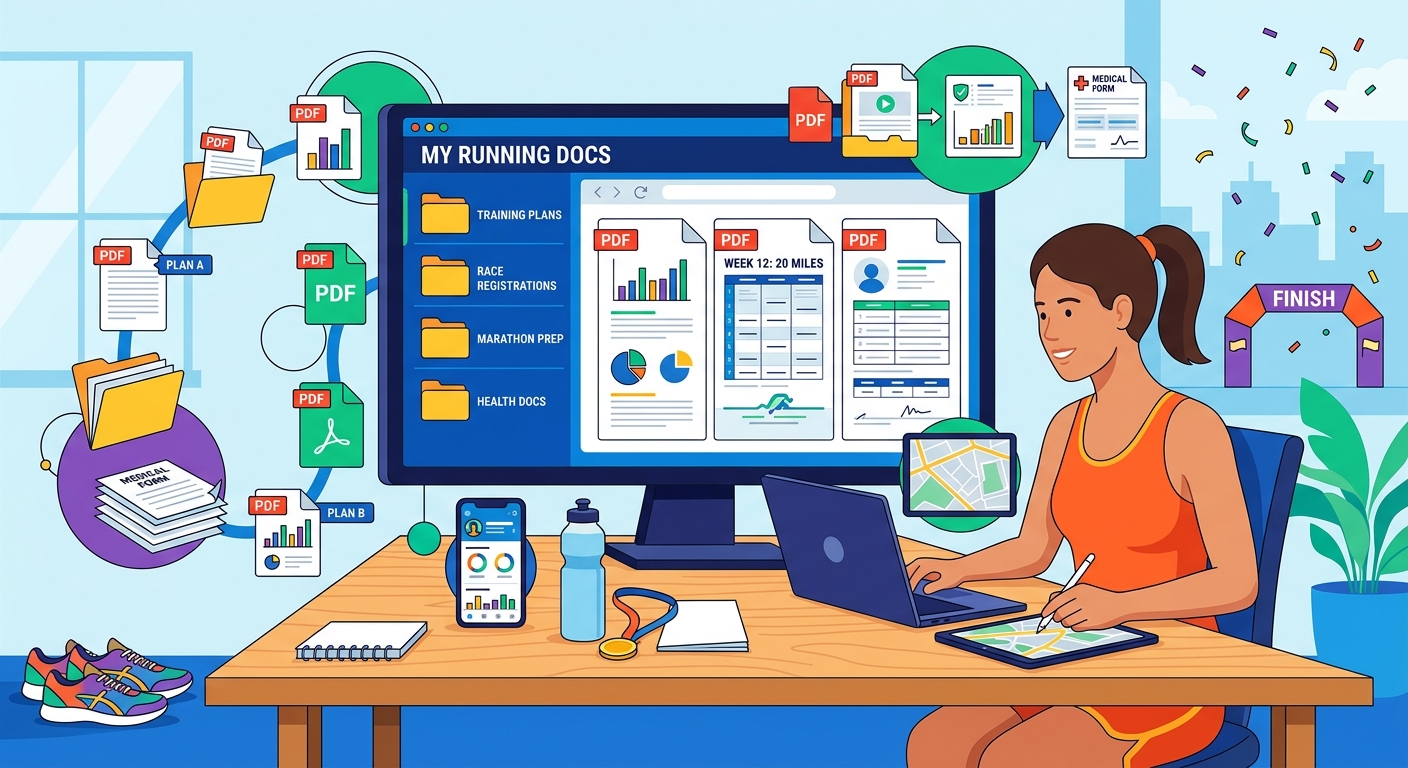
Key Takeaway: Serious runners accumulate PDFs at a surprising rate. Training blocks, race briefings, medical clearance forms, and nutrition protocols scatter across devices and inboxes in ways that cause real stress on race week. Compressing heavy scans before sending them to a coach, merging race documents into a single briefing file, and converting annotatable plans to an editable format are three steps that genuinely solve this problem, and each one earns its place in the workflow.
Why Runners Accumulate So Many Documents
The PDF format was built for document portability, and the running world has embraced it fully. Race organizers send course maps as PDFs. Coaches share periodized training blocks as PDFs. Medical clearance requirements, pace calculators, heart rate zone charts, and carbohydrate loading guides all arrive the same way.
Most runners handle this fine for the first race or two. Then the volume compounds. You add a second distance. You hire a coach. You register for a destination race that comes with a 12-page participant guide. By the time a serious training block begins, a typical runner might have 30 or 40 documents spread across a phone, a laptop, and a cloud storage app, with no clear system for finding them when it matters.
The problem peaks on race week, when you need everything at once and your headspace is already occupied by taper anxiety and carbohydrate loading schedules.
The File That Never Made It to Your Coach
One of the most common friction points is the training plan scan. A runner downloads a 20-week block from a reputable source, prints it out, marks it up by hand, then tries to send the annotated version back to their coach for feedback. The scanned PDF comes out at 14 or 18 megabytes. Email clients reject it. Messaging apps compress it into an unreadable blur.
The fix is simple but surprisingly underused. Running the file through a tool that can compress PDF documents brings most scans down by 60 to 80 percent without losing legibility. A 16-megabyte scan becomes 3 or 4 megabytes. It clears email limits, loads faster on a coach’s tablet, and does not require installing any software or creating an account.
This matters more than it sounds. Coaches often work with several athletes at once, and a file that arrives cleanly and opens without delay signals professionalism. More practically, the coach actually reads it on the first try instead of flagging it to resend later.
Training for a distance like a marathon typically spans 16 to 20 weeks, which means a serious athlete is managing documents, schedules, and coaching feedback across nearly half a year of structured preparation. A compressed, readable file is a small thing that keeps the coaching channel open during that entire window.
Building One Race-Week Briefing File
Race weekend comes with a document avalanche. The participant guide. The course map. The parking and transport instructions. The bag drop procedures. The emergency contact form. The bib collection schedule. These arrive from different sources at different times, and most runners open them once and forget which folder they landed in.
The solution is to treat the race briefing as a single document from the moment registration is confirmed. Each time a new piece arrives, it gets added to a master file using a tool that can merge PDFs into one unified document. By race week, there is one file, organized in the order you actually need it: logistics first, then course details, then emergency information.
This approach also handles the inevitable last-minute updates. Race organizers frequently send corrected course maps or amended bag drop windows in the days before the event. Merging the update into the master file and deleting the old page takes about 90 seconds. The alternative is a phone with seven PDFs open in different tabs and no clear sense of which version is current.
A clean race briefing file also travels well. It sits in cloud storage and opens on a phone with no signal at the athlete check-in area, which is exactly where you most often need it.
From Plan to Annotation: Editing Without Losing the Layout
The third document challenge is the one runners least expect. You have a pre-built training plan in PDF format. It is beautifully laid out, with week-by-week mileage targets, rest day markers, and race-simulation workouts clearly organized. You want to add your own notes, swap a long run from Saturday to Sunday, or pencil in the three-week taper that fits your specific goal race.
The problem is that PDFs are not designed for easy editing. You can annotate them in some apps, but moving content around or adjusting the underlying structure is awkward at best. The cleaner solution is to convert the file with a PDF to Word converter, make the adjustments in a familiar word processor, and save the result back to PDF when you are finished.
This preserves the original formatting far better than copying and pasting the text manually. Tables stay intact. Spacing holds. The plan still looks like a training plan when you print it, not like something reconstructed from scratch on a blank document.
A Practical Sequence for Getting Organized
Most runners do better with a concrete sequence than with general advice. Here is one that works:
- At registration, create a dedicated folder for the race in your cloud storage app.
- Any race document that arrives goes into that folder immediately, even if you do not read it yet.
- Once a month during the training block, merge all loose race PDFs into a single briefing file.
- When you annotate a printed plan, scan it and compress the result before sending it to your coach or training partner.
- If you need to edit a plan directly rather than annotate a printout, convert it to Word format first, make your changes, and export back to PDF.
- Two days before the race, open the master briefing file and confirm it reflects the most current race information.
Six steps sounds like overhead. In practice it takes about 10 minutes a month and saves 40 minutes of frantic searching on race morning.
How This Changes the Week Before Your Race
There is a real argument that document organization is a performance variable, not just an administrative nicety. A runner who cannot find the course elevation profile the night before the race will underestimate the hill at mile 19. A runner who never successfully sent the training log to a coach for review misses a correction that might have prevented an overuse injury six weeks earlier.
The mental bandwidth spent managing document chaos is bandwidth not spent on recovery, sleep, and race-day preparation. Race week is already cognitively demanding. Removing a friction point that costs nothing but a bit of upfront structure is one of the better uses of a runner’s limited planning time.
The habits that make the biggest difference are rarely the dramatic ones. Eating well, sleeping consistently, and following a sensible taper are the obvious pillars. Having every document you need in one place, readable and current, belongs in the same category.
Your Race Folder Is Part of Your Preparation
The best file management system for runners is the one that feels invisible on race morning. You open one folder. You find what you need. You focus on the run.
Getting there does not require elaborate software or a complicated filing scheme. A compressed scan sent cleanly to a coach, a merged briefing document that holds every race-day detail, and an annotated plan that was edited properly before printing are the three moves that cover the majority of document problems serious runners face across a full season.
The tools exist. The steps are short. The payoff is a cleaner head and a faster path from the car park to the start line.