Home>Training & Techniques>Turning Running Coaching Videos Into Text You Can Actually Study
Training & Techniques
Turning Running Coaching Videos Into Text You Can Actually Study
Published: September 5, 2026
Stop losing key coaching cues the moment a video ends. Convert running YouTube sessions into searchable transcripts you can annotate, study, and replay on the go.
(Many of the links in this article redirect to a specific reviewed product. Your purchase of these products through affiliate links helps to generate commission for Therunningadvisor.com, at no extra cost. Learn more)
You watch a 22-minute YouTube video on running form. The coach drops a dozen precise cues, the kind of technical detail you cannot find in generic training plans. You finish, lace up, head out the door. By mile two, you have already forgotten half of what was said. The video did its job. Your memory did not.
This is one of the most common frustrations for runners who rely on YouTube coaches for form drills, taper guidance, or track workout breakdowns. Video is a great format for watching movement in real time. It is a poor format for studying. The moment the tab closes, retention starts slipping. Converting a coaching video into text solves this, and it takes less than two minutes.
Three Things Worth Knowing:
1. Passive video watching is one of the weakest retention formats, while reading and annotation are among the strongest.
2. A YouTube transcript tool pulls the full spoken text from any coaching video in seconds, no account required.
3. A speech timer tells you the exact listening time of a transcript segment before you commit your pre-run window to it.
Why Your Brain Lets Coaching Cues Slip Away
Video coaching has improved dramatically. Biomechanics breakdowns, track session templates, marathon taper protocols. There is coaching available for free on YouTube today that would have cost serious money a decade ago.
But the format has a structural limitation. Research on memory encoding) shows that passive listening and watching activates different, weaker retention pathways than reading and active engagement. When you watch a video, you are processing information in real time with no way to pause, annotate, or revisit a sentence without scrubbing back through footage. Your brain treats it as a stream, not as something to file.
A coach might say in a single breath: keep your elbows at 90 degrees, drive your arms straight back rather than across your chest, and think about your hands staying loose around an imaginary potato chip. That sentence is clear when you hear it. Three strides into a tempo interval, it is gone.
Text changes the equation. Text is scannable. Text responds to ctrl+F. Text sits still while you mark it up.
What a Transcript Gives You That a Video Cannot
The moment a coaching video exists as text, you can do things with it that are simply impossible in video format.
- Search for specific cues. If your coach mentioned hip drop in three different contexts throughout a form analysis, you can find every instance and compare how the advice was framed each time.
- Copy the highest-value points directly into your training journal, a race-week review doc, or a note pinned to the top of your phone.
- Annotate the text the way you would a physical book. Add your own observations. Flag cues you want to test. Cross out advice that contradicts your coach.
- Listen during a recovery jog using your phone’s read-aloud feature, without needing the video open, without burning data to stream, and without staring at a screen while running.
That last point matters more than it sounds. Speech synthesis on modern smartphones has become genuinely listenable. Paste a transcript into your notes app, activate read-aloud, and a coaching session you watched at your desk follows you out on a 40-minute easy run. The content gets a second pass through your brain in a completely different context. That repetition is exactly how technical cues move from vague awareness to automatic habit.
How to Generate a Transcript in Under Two Minutes
There is no software to install. No account to create. Here is the full process:
- Watch the coaching video once through to get the overall picture and structure.
- Copy the video URL from your browser address bar.
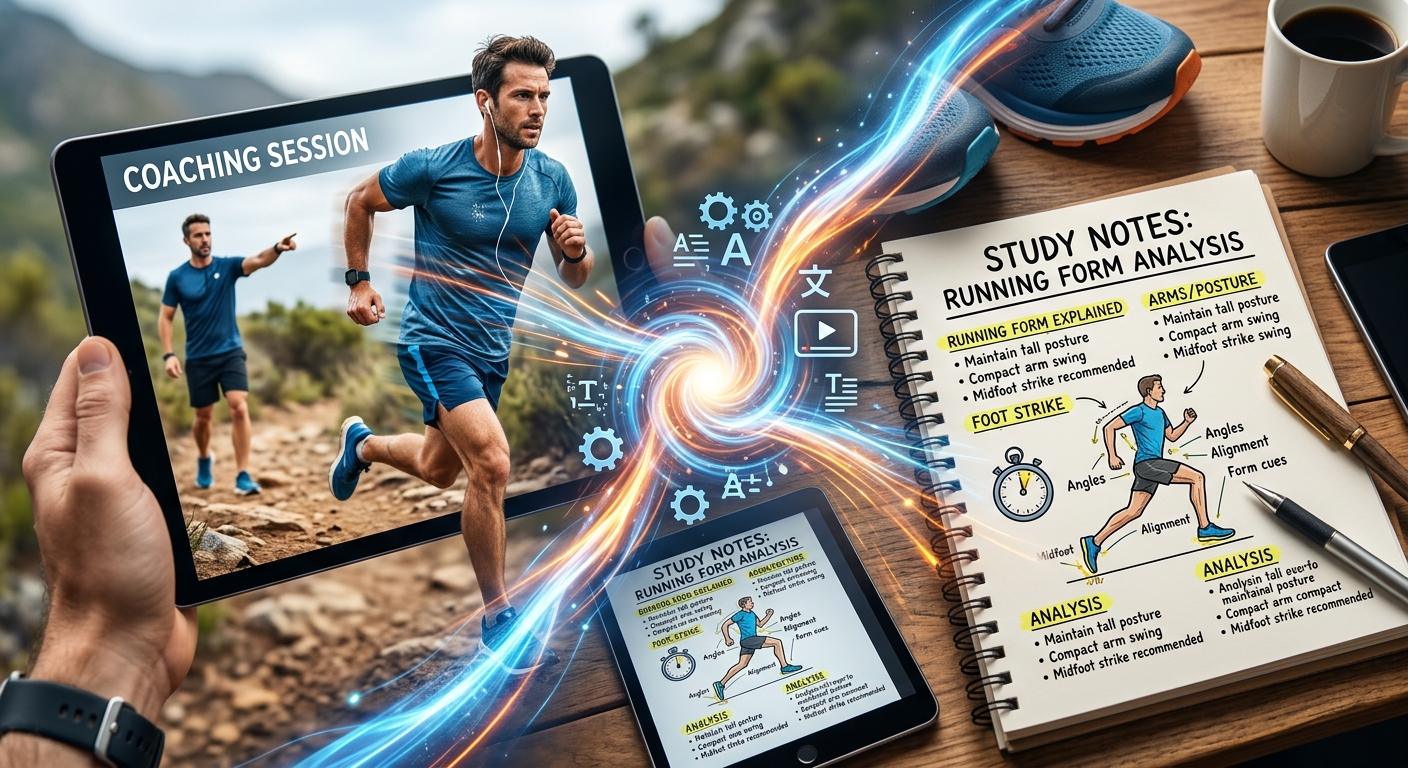
- Paste it into the YouTube transcript tool and generate the text output.
- Skim the result and trim any filler sections you do not need.
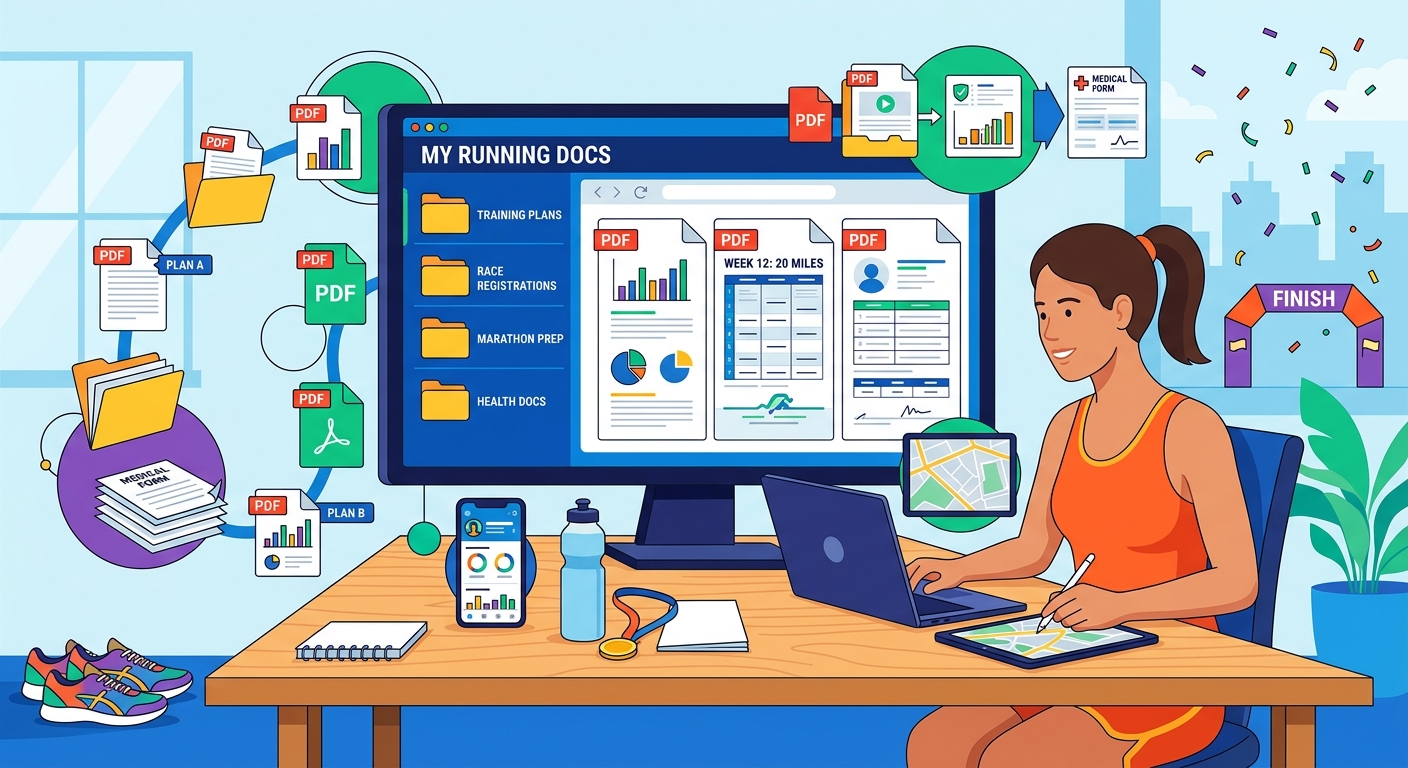
- Save the cleaned text to a Google Doc, notes app, or dedicated training folder.
That folder is the beginning of a personal coaching library. After a few months of training, you might have transcripts from eight or ten coaches whose work you find genuinely useful. Instead of scrolling through YouTube history to find a video about running economy from four months ago, you open a folder and search. The information is yours in a way it never was when it only existed inside a video file.
Matching the Transcript Approach to the Content Type
Not every coaching video needs the same treatment. Here is how to match your approach to what you are watching:
- Form and technique breakdowns: These benefit most from transcription because specific verbal cues often get buried inside visual demonstrations. Extracting the text separates the instruction from the noise.
- Track and interval workout explanations: Paste the transcript directly into your training plan alongside the session. Exact pace targets, rest intervals, and effort cues sit right next to the workout itself.
- Taper and race-week advice: Save these as a standalone doc to revisit two weeks out from a target race. Race anxiety makes it hard to absorb new video content; reading something familiar is much easier on the nervous system.
Knowing What Your Pre-Run Window Can Actually Hold
Here is a scenario most runners know. It is 6:15 in the morning. You have 40 minutes before you need to be out the door. A coaching video looks relevant to what you are working on this week. Do you have time to listen to the key sections before your run?
Once you have the transcript text, paste it into a speech timer and you get a realistic spoken duration. A 1,800-word transcript takes roughly 12 minutes at a comfortable listening pace. A 4,000-word one is closer to 27 minutes. That number tells you in advance whether to listen now, save it for a recovery run, or edit the transcript down to the three or four sections that are most relevant to today’s session.
This is a small planning habit with a real payoff. It removes the frustration of starting an audio segment you cannot finish. It also forces a useful triage: if a transcript has 35 minutes of content, deciding which 12 minutes matter most is itself a form of studying.
Building a Library You Can Actually Search
The compounding benefit of this habit shows up slowly and then all at once. After six months of transcribing coaching content, you have a searchable archive of training knowledge. You can grep your own notes for the word “cadence” and find every coach you have followed who has addressed the subject. You can compare their advice directly. You can see where they agree, where they differ, and where the nuance lives.
This is how athletes who train seriously treat information from coaches. They take notes. They review them. They build up a working knowledge base they can access under fatigue or stress, not just hazily recall when things are already going well.
The habit does not take discipline once it is running. It just takes the first two minutes after each video.
From Passive Viewer to Someone Who Actually Applies the Coaching
There is a shift in mindset that happens when you start working with transcripts regularly. A video is something that happens to you. A transcript is something you work with. That distinction is larger than it sounds.
Runners who can clearly articulate two or three specific cues they are actively working on tend to apply those cues more consistently than runners who have watched hours of coaching content with nothing written down. The act of reading, annotating, and returning to text requires a level of engagement that watching does not.
The coaching content that exists for free on YouTube right now is genuinely good. The bottleneck has never been access to information. It has been the format. A transcript does not replace the video. It makes the video useful a second time, in a different context, at a different moment, in a way that actually sticks.
Converting a coaching session takes 90 seconds. What you get back is a document you can search, annotate, carry on a recovery jog, and return to before your next race. That is not a minor improvement to how you train. That is the difference between watching advice and owning it.