Home>Races & Events>Local Races>How to Fix Bloated Race Photos Before Posting Them Online
Local Races
How to Fix Bloated Race Photos Before Posting Them Online
Published: August 29, 2026
Modern cameras create massive JPEGs that clog uploads and wreck your post-race share. Here is how runners fix photo file sizes fast, without losing quality.
(Many of the links in this article redirect to a specific reviewed product. Your purchase of these products through affiliate links helps to generate commission for Therunningadvisor.com, at no extra cost. Learn more)
You cross the finish line. A friend snaps the perfect shot, arms up, grimace fading into a grin. You grab the file, open Instagram, and watch the upload bar crawl to a halt. File too large. Error. Try again. That moment you wanted to share in minutes is now sitting in a loading loop because your phone or camera produced a JPEG the size of a small novel. Runners deal with this constantly, and almost nobody talks about why it happens or how to actually fix it.
Most runners don’t realize their camera is set to produce files five to ten times larger than any social platform can handle gracefully.
– Smartphones default to maximum resolution, often generating files between 8 MB and 20 MB per photo.
– Platforms like Instagram and Strava auto-compress oversized uploads, introducing blurring and color shifts you never approved.
– Compressing photos yourself, before uploading, gives you control over the final look on every feed.
Why Phones and Sports Cameras Produce Oversized Files
The short answer is that manufacturers want you to print your photos. Consumer-grade smartphones now shoot at resolutions that would look sharp on a billboard. A 12-megapixel image on an iPhone or Pixel produces a file that can run anywhere from 4 MB to over 12 MB depending on the scene complexity and lighting conditions.
Sports cameras like GoPro or dedicated mirrorless bodies push even further. They shoot RAW or high-quality JPEG by default, which is ideal for editing, but brutal for sharing. The JPEG format itself uses lossy compression that still allows for very large file sizes when quality settings are dialed to maximum.
What makes race photos especially large:
- Outdoor lighting with high dynamic range forces the camera to capture more detail across bright skies and shadowed ground.
- Crowds and busy backgrounds add pixel complexity that resists compression.
- Burst mode shooting, common at race events, generates many high-resolution files in seconds.
None of this is a problem if you are archiving photos or printing them. It becomes a problem the second you try to text a 15 MB JPEG to a running group chat.
What Actually Happens When You Upload a Bloated File
Social platforms are not neutral recipients. They have their own processing pipelines, and when you hand them an oversized image, they do the compression for you. That sounds convenient, but it is not.
Instagram, for example, recompresses JPEGs with its own algorithm, which can introduce banding in skies and flatten fine details like race bibs or facial expressions. Strava does something similar. WhatsApp aggressively reduces file size to save bandwidth, often cutting quality more than most runners would prefer.
The result: your perfectly exposed finish-line photo arrives at the other end looking slightly muddy, slightly off, and noticeably worse than what you saw on your camera roll. You did not do anything wrong, but the platform did your photo no favors.
There is a simple fix. Compress the image yourself before it ever leaves your hands.
Compressing Your Race Photos Without Losing Quality
The goal of compression is not to destroy the image. It is to remove data that no human eye can detect, reducing the file size while keeping the photo looking clean. A 12 MB JPEG can often be reduced to under 1 MB with no visible difference at any screen resolution a viewer would actually use.
The fastest approach is to compress JPG files directly in a browser tool before uploading. You drag in the file, the tool applies optimized compression, and you download a smaller version that looks identical to the original on any phone or monitor.
Here is what to expect from a typical workflow:
- Transfer the race photo from your camera or camera roll to your laptop or phone browser.
- Open a browser-based compression tool and upload the file.
- Preview the compressed version and confirm the quality looks right.
- Download the compressed file, which will typically run between 200 KB and 800 KB.
- Upload that file to Instagram, Strava, or your group chat as you normally would.
The difference is immediate. Uploads that used to stall or time out go through in a few seconds. Platforms have less reason to recompress your file because it is already a manageable size. The photo that arrives at the other end looks like the photo you took.
Sizing Photos Correctly for Each Platform
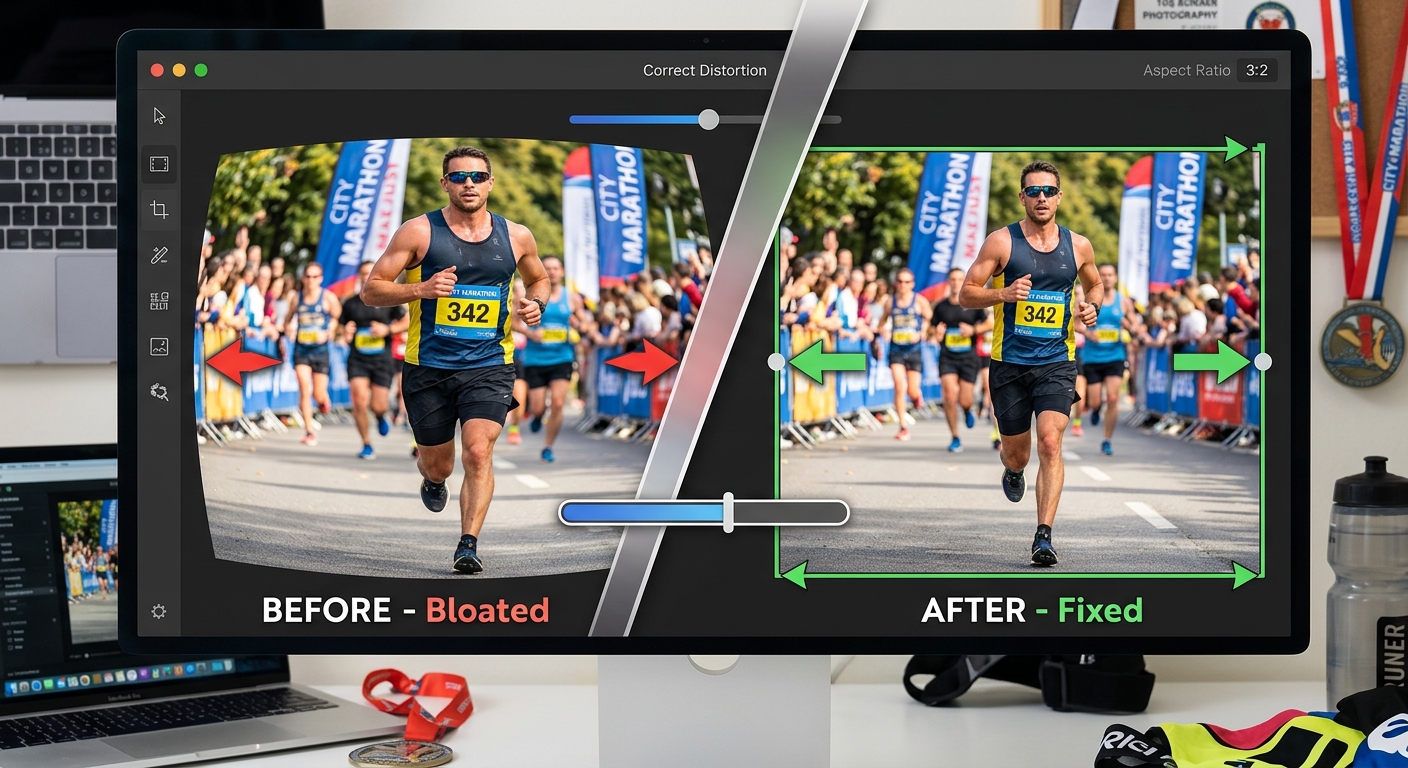
Compression handles file weight. Sizing handles dimensions. These are related but separate concerns, and getting both right is what separates a post-race update that looks sharp from one that looks stretched or cropped in a way you never intended.
Each major platform has a preferred image dimension. Instagram favors a square or 4:5 portrait for feed posts. Strava activity photos display at a specific aspect ratio. Facebook and Twitter both resize images in ways that can cut off edges if your dimensions do not match their containers.
Before you upload, it is worth reviewing the correct social media image sizing for whichever platform you are posting to. Knowing the exact pixel dimensions for Instagram versus a Facebook cover photo versus a Strava activity card means you can crop intentionally rather than letting the platform decide what to cut.
Platform Comparison: What Each Channel Does to Your Photo
Here is how the major platforms handle race photo uploads differently:
Instagram (Feed Post)
Compresses anything over 8 MB. Converts images to sRGB. Displays at a maximum of 1080 pixels wide.
Strava Activity Photo
Accepts up to 10 MB. Resamples to fit its card dimensions. Wide landscape shots often crop at the edges.
WhatsApp (Image Send)
Compresses automatically unless you send as a document. Standard image sends can drop to well under 500 KB regardless of original size.
Facebook Post
Resizes to 960 pixels at longest edge. Higher resolution originals get downsampled but quality holds better than WhatsApp.
iMessage / SMS
Varies by carrier and device. Android-to-iPhone sends often face the most aggressive compression.
Keeping Your Finish Line Moments Looking the Way They Should
Running photography has its own culture. The post-race photo is a record, a story, and sometimes a motivation for the next training block. Research on digital photography shows how image resolution and compression have evolved alongside consumer hardware, and the gap between what cameras can capture and what platforms can handle has only grown wider as phone sensors improve.
The fix does not require a professional workflow or technical knowledge. It requires one extra step between your camera roll and the upload button. Compress the file, check the dimensions, then post. The upload goes through. The photo lands sharp. The group chat gets the moment the way it happened, not the blurry, over-compressed version a platform algorithm decided to deliver.
Some practical habits that help:
- Set a post-race routine of compressing any photo before sharing, the same way you stretch after a long run.
- If you shoot with a dedicated camera, batch-compress photos from an event before any of them leave your laptop.
- Keep the original uncompressed file archived separately, compressed copies are for sharing only.
Your Race, Your Photo, Your Feed
Race photos are not just content. They are proof of something you did with your body, your training, and your time. The technology gap between what your camera produces and what a social platform can handle cleanly is a logistics problem, not a photography problem.
You can close that gap in under a minute with the right tool. Compress before you post. Size for the platform you are posting to. The result is a photo that shows up the way it should, without the upload errors, without the platform recompression artifacts, and without the frustration that should never be part of sharing a race moment.