Home>Running Paths & Locations>Running Clubs>Free SVG Icons for Your Running Club Website or Race Event Flyer
Running Clubs
Free SVG Icons for Your Running Club Website or Race Event Flyer
Published: September 2, 2026
Free SVG icons for running club websites, race flyers, and event banners. Scalable graphics that look sharp at any size, no designer required.
(Many of the links in this article redirect to a specific reviewed product. Your purchase of these products through affiliate links helps to generate commission for Therunningadvisor.com, at no extra cost. Learn more)
Running a club or directing a grassroots race means wearing about twelve hats at once. You handle registration, route planning, volunteer coordination, timing, and somewhere in the middle of all that, someone asks why the Facebook event banner looks like it was made in 2009. The good news is that you do not need a graphic designer or a budget to produce materials that look genuinely professional. A few well-chosen SVG icons, dropped into a free tool like Canva or Google Slides, can transform your entry forms, bib borders, and club website headers from flat to polished in under an hour.
Key Takeaways
– SVG files scale to any size without losing sharpness, making them ideal for print and screen use
– Free icon libraries give running clubs and race directors access to professional-quality graphics at no cost
– Running-specific imagery is available through a dedicated sports icons collection
– People icons work perfectly for participant maps, corral markers, and volunteer station graphics
– Both Canva and Google Slides accept SVG files, letting you build race materials without design software
Why File Format Actually Matters for Race Graphics
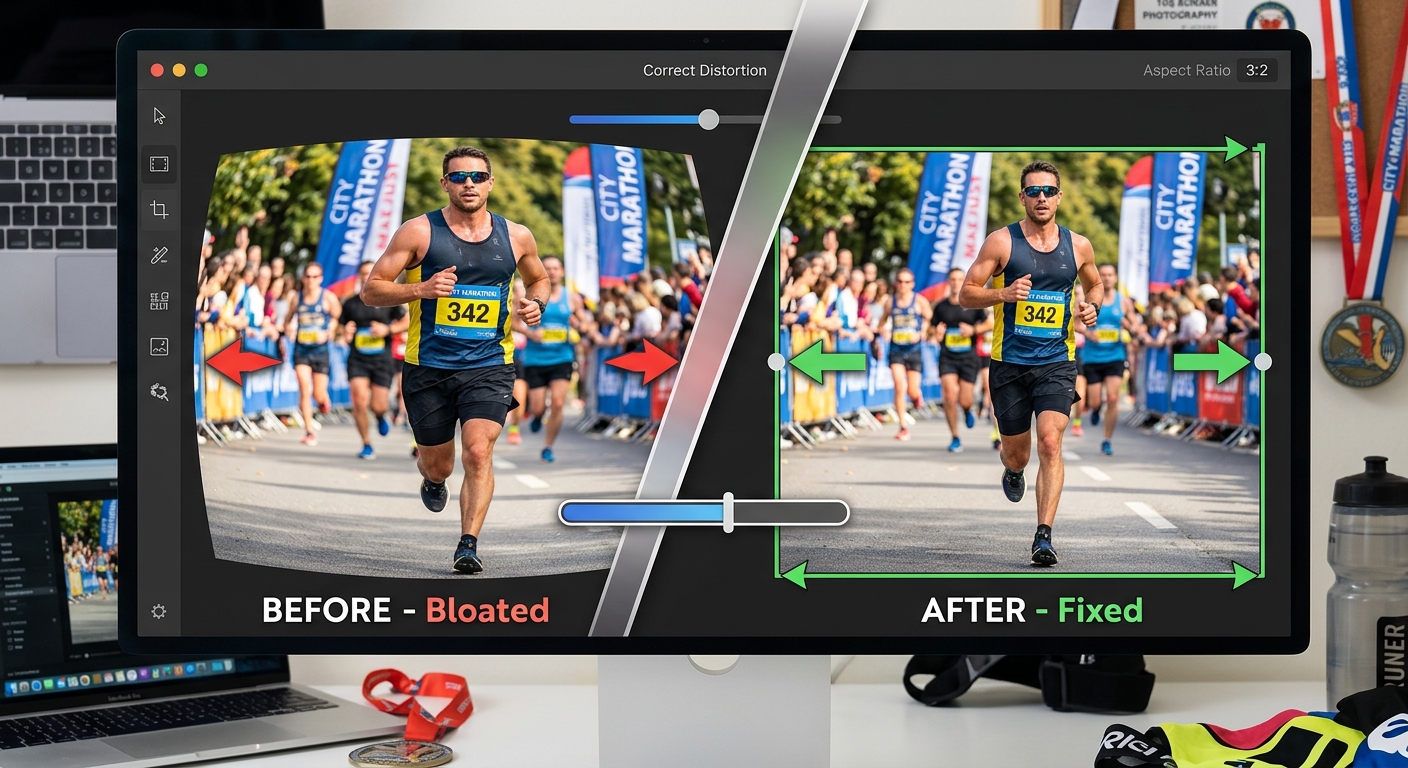
Most club organizers grab a PNG from Google Images, resize it in Word, and end up with a blurry mess on printed bibs or a pixelated header on a retina-display laptop. The reason this happens is simple: raster image formats like PNG and JPEG store images as a fixed grid of pixels. Enlarge them past their original resolution and you get distortion.
SVG works differently. Scalable Vector Graphics is an XML-based format that describes shapes using mathematical coordinates rather than pixel grids. A runner silhouette stored as an SVG is defined by curves and lines, not dots. Scale it from a 1-inch bib corner to a 6-foot banner backdrop and it remains perfectly crisp every single time. For anyone producing race materials across multiple formats, that kind of reliability is genuinely valuable.
The Workflow, From Download to Finished Graphic
The process is more straightforward than most people expect. You start by visiting an icon library, browsing for the image that fits your need, and downloading the SVG file to your computer. Most free libraries give you a direct download with no account required.
Once you have the file, open Canva in your browser. Create a new design at whatever dimensions your project needs, whether that is a Facebook event cover at 820 by 312 pixels, an A5 entry form, or a full-bleed race day banner. Click the upload button, select your SVG file, and Canva will render it at full vector quality. You can resize it freely using the corner handles without any loss of sharpness. Change the color to match your club palette using the color picker. Done.
Google Slides works the same way. Insert, then Image, then Upload from Computer. Resize and recolor as needed. For race directors putting together a volunteer briefing deck or a pre-race information packet, this approach is fast and completely free.
If you are working on printed materials, most print-on-demand services for race bibs and banners will accept SVG files directly, which removes the guesswork around resolution and DPI. Vector files are simply the professional standard in print production, and using them from the start saves you the last-minute scramble of trying to fix a blurry logo at midnight before race day.
Finding the Right Running Imagery
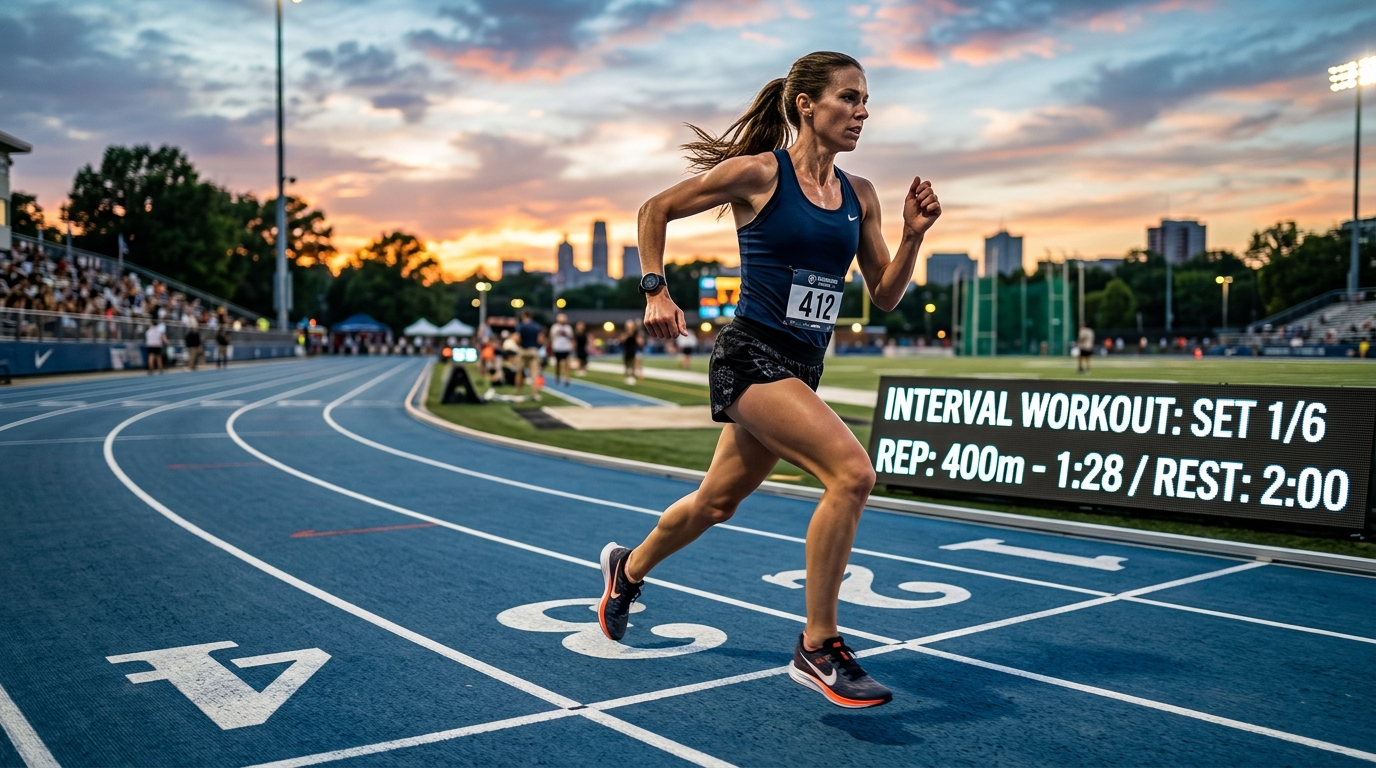
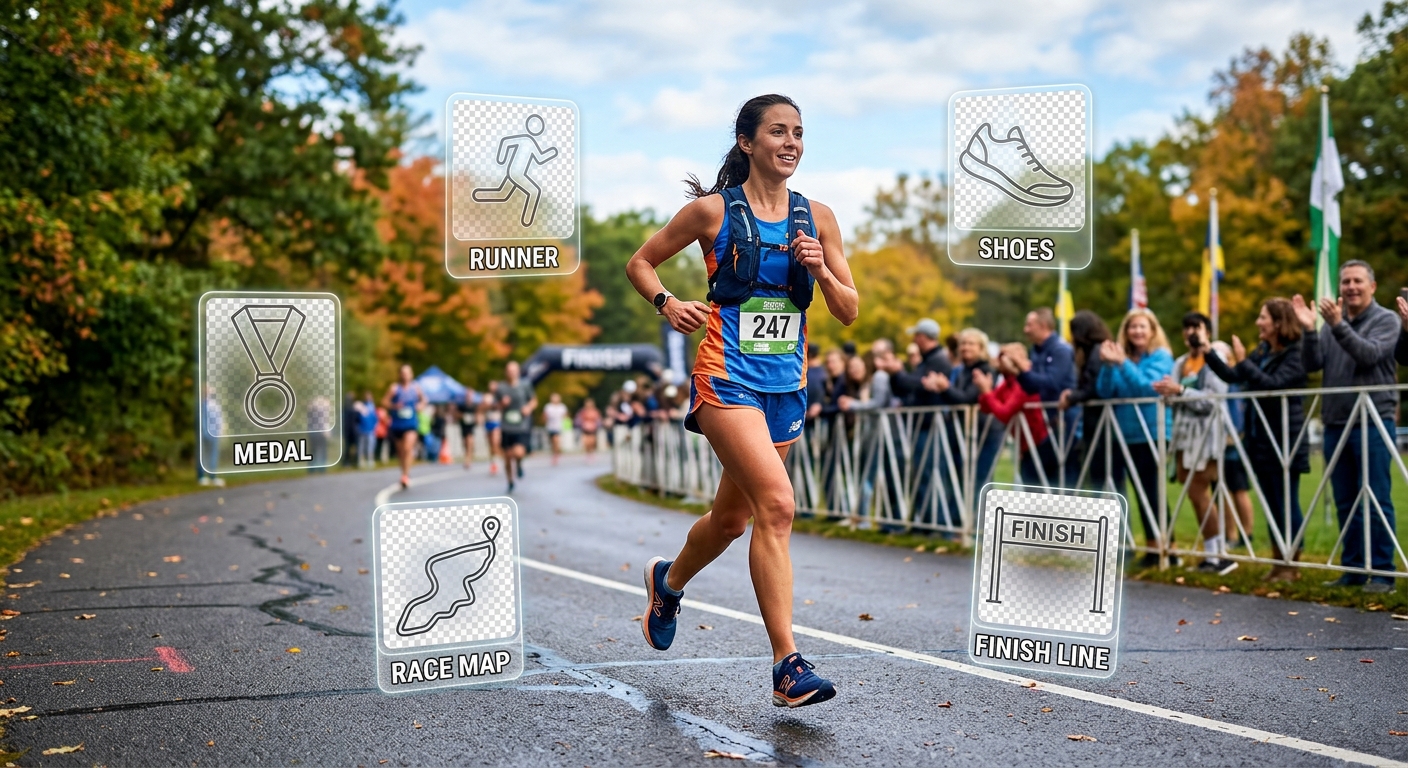
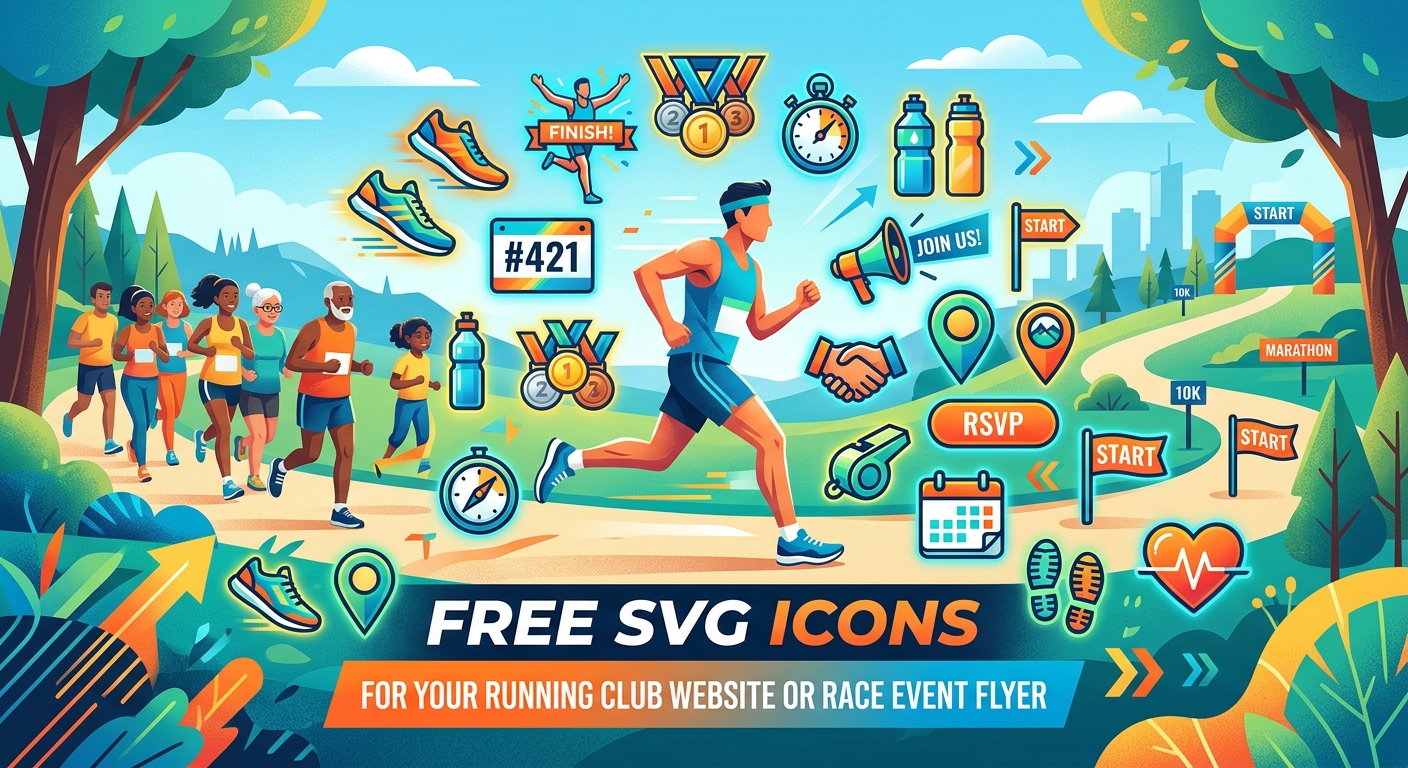
The part that trips most organizers up is sourcing imagery that actually looks like it belongs in a running context. Generic clip art packs tend to skew toward corporate themes. What you need is a runner mid-stride, a stopwatch, a finish-line ribbon, or a route marker, and you need it in a clean, modern style.
A well-curated library of sports icons is where you will find exactly that kind of imagery. Running figures, athletic shoes, medals, and pace-related graphics sit alongside icons for other sports, which is useful if your race weekend includes a kids’ fun run or a cycling leg. The icons in a dedicated sports collection tend to share a consistent visual weight, meaning they look like they belong together when placed side by side on a bib or a poster. Mixing icons from different sources with different stroke widths often produces a cluttered result even if the individual images are fine.
When building a club website header, a single well-chosen running silhouette does more work than a paragraph of text. It communicates movement, energy, and community instantly. Pair it with your club name in a clean sans-serif font and you have a header that looks intentional rather than accidental.
Using People Icons for Participant Maps and Corral Graphics
Course maps and corral graphics present a slightly different design challenge. You are not just decorating a page. You are communicating information to runners who may be scanning a printout in poor light or on a phone screen between warm-up stretches. Clarity matters more than style in this context.
A simple standing figure icon placed at the start line, a walking figure at water stations, and a raised-hand figure at volunteer marshal points gives participants an at-a-glance reference that text alone cannot match. Icon-based wayfinding has been a standard practice in public signage for decades because it works across language barriers and reading conditions.
The people icons library covers a wide range of human figure styles, from basic silhouettes to more expressive poses. For corral graphics, simple and uniform figures work best. If you are marking Corral A, B, and C with different colors, using the same figure icon in three colors is cleaner than trying to source three different images. For volunteer station markers on a printed course map, a single standing figure in a distinct color immediately draws the eye.
Participant information packs benefit from this approach too. A small figure icon next to each section header, such as registration, bag drop, or start area, helps runners navigate a multi-page document without reading every word.
Practical Tips for Staying Consistent Across Materials
Visual consistency across your race materials signals professionalism without requiring any specialist skills. A few practical habits help significantly.
Choose a color palette of two or three colors before you start and apply it across every piece of material. Pick icons from the same library or collection so the stroke widths and visual styles match. Keep your icon sizes consistent within each document. Use white space generously. A bib border with a runner silhouette in the corner, a medal icon in the opposite corner, and your club name in a clean font at the top will look more polished than a bib covered in six different icon types at irregular sizes.
When exporting from Canva or Google Slides for print, check that you are exporting at the highest resolution available, or export directly as a PDF if the platform supports it. For digital use, PNG exports from vector-quality source files will be sharp at any screen size.
From Printed Bibs to Professional-Looking Everything
The shift from generic clip art to proper vector icons is one of those changes that runners and participants notice without being able to articulate why. Your materials just look more credible. Sponsors take the event more seriously. New members feel like they are joining something well-run.
None of that requires a design budget. It requires knowing where to find the right files and understanding the basic workflow for dropping them into free tools most people already have. SVG icons are the foundation, and there are genuinely good free libraries that cover exactly the imagery a running club or race director needs. The time investment is small. The difference in the finished product is not.